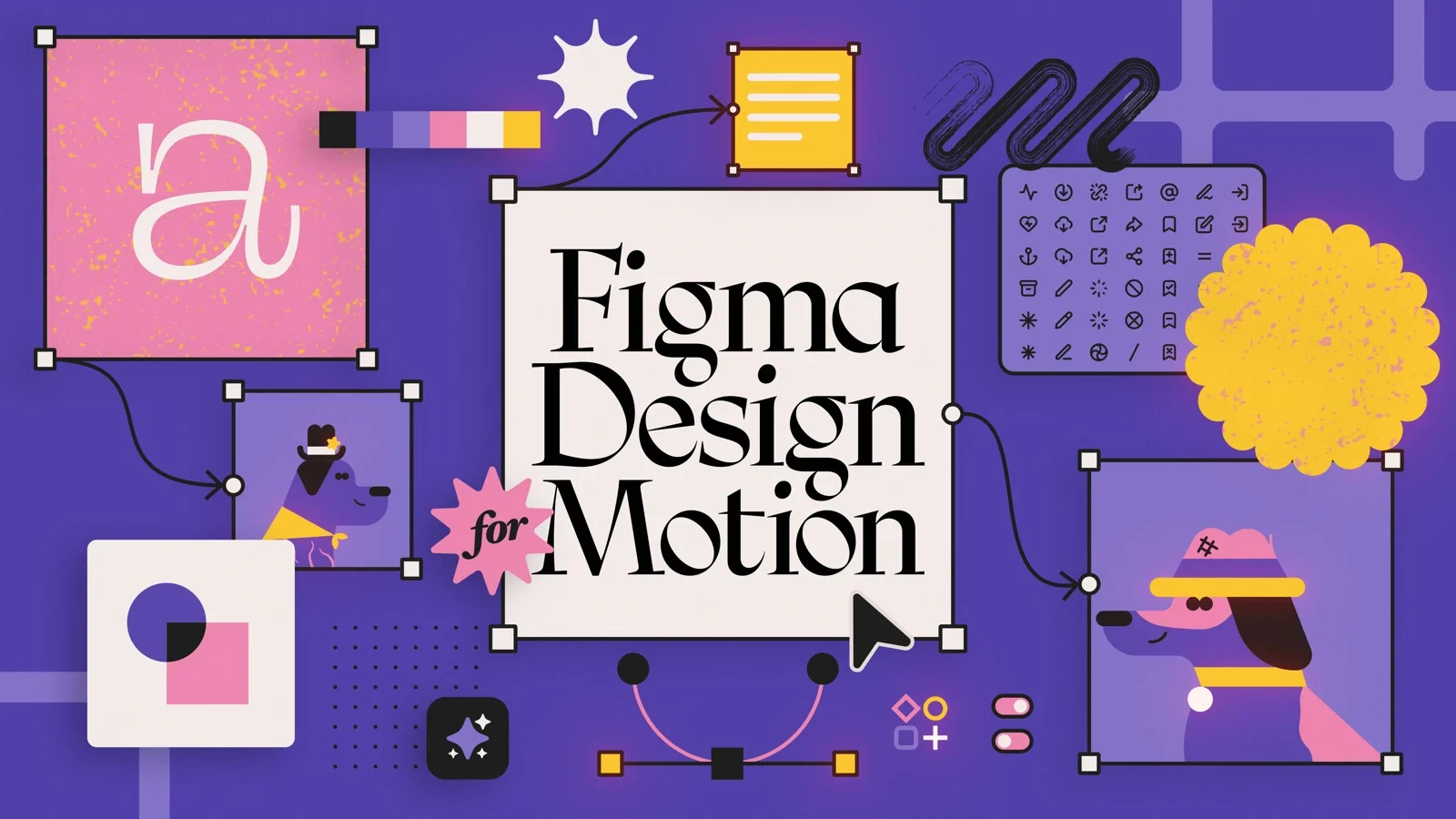
New course: Figma Design for Motion
Turn a client brief into artwork built for animation.


Build the design before you build the motion. In Figma Design for Motion, Bekki Leahy takes you from a client brief to moodboards, illustrated storyboards, and reusable design systems in Figma.
The beginner course includes 10+ hours of recorded lessons and four hands-on projects: a moodboard, a five-frame storyboard, a sticker pack, and a modular festival campaign with a style guide.
How do I get the course?
All-Access members: once the course is released, look for Figma Design for Motion in your training library.
New to All-Access? Explore membership to see how course access, project feedback, and the School of Motion community fit your learning plans.
Who is this course for?
This course is for motion designers and illustrators who want to develop visual ideas in Figma, not just collect another tool. It starts with files, pages, frames, and the interface before moving into vector illustration, components, and a modular campaign.
Figma Design is the main tool. The setup lesson covers the free Starter plan and recommends the desktop app. After Effects is used for animation handoff, so familiarity with it will help with that part of the workflow.
The course compares SVG and Overlord handoffs, including what needs preparation or troubleshooting. It is about making artwork ready for animation, not assuming every effect will arrive unchanged.
What will I learn?
Organize Figma files, pages, and frames for visual research and presentations
Translate a brief into a moodboard with references, typography, masks, and a clear visual direction
Develop rough thumbnails into a five-frame illustrated storyboard with editable vector artwork
Use palettes, textures, masks, and layer organization with animation handoff in mind
Prepare artwork for After Effects and compare SVG with the Overlord workflow
Build a coordinated sticker pack using geometry, gradients, type, and shared styles
Create components and variants so a design can change without rebuilding every asset
Build a modular festival campaign and document its rules in a usable style guide
For a wider view of the process, read A Guide to Completing Your Motion Design Project. It connects moodboards and storyboards to the later production decisions they support.

The Best After Effects Plugins and Effect Packs You NEED in 2026
We're breaking down the best After Effects plugins and effect packs for 2026, starting with free options and then moving into the paid powerhouses worth the investment.
Black Friday 2026 Deals For Motion Designers
Explore Black Friday 2026 offers for motion designers, from animation software and plugins to sound libraries and School of Motion annual All-Access.
Introducing AI Foundations for Motion!
Use AI with taste, control, and confidence in your motion design workflow.