Every course
Full access to the SOM library as your skills grow.
:quality(82))
:quality(82))
:quality(82))
:quality(82))
Included in All-Access
Intermediate · Rive, ProtoPie, Figma, After EffectsLearn to transform static interfaces into engaging experiences using industry-standard UX motion tools.
The School of Motion difference
Full access to the SOM library as your skills grow.

Get unlimited feedback when your work needs eyes.

A global studio floor open whenever momentum dips.

Monthly Live Workshops and Portfolio Reviews.

Verified proof that you finished the work.
Course curriculum
UX Animation Essentials teaches purposeful interface motion for real product teams. You will move from sketches and Figma prototypes to polished interactions in After Effects, ProtoPie, and Rive; design microinteractions, transitions, and gesture-based behavior; document timing and easing for developers; and export Lottie and Rive files that balance performance, file size, and product fidelity.
Meet your instructor
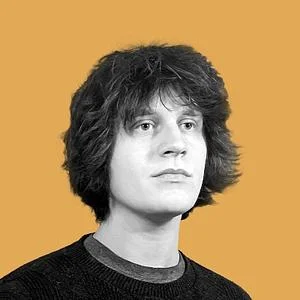
Ivan Witteborg is a UX Motion Designer and the creator of the Motion UX YouTube channel. He specializes in helping designers bring their animation skills into the product world—using motion not just for decoration, but to solve complex user problems, reinforce mental models, and make digital products feel intuitive and alive. Based in Richmond, VA, Ivan is a father of seven and a passionate educator dedicated to teaching practical design skills that have a tangible impact on people's careers, lives, and families. When he’s not teaching, designing, or enjoying time with his family, you’ll find him throwing down at pickleball courts with his guys.
Social proof















Student outcomes
It's definitely helped me with my freelance career. I'm still building up my portfolio to get other jobs, but this class has totally helped me feel more comfortable with the programs. School of Motion has really just changed my life.
Through the curriculum and the education that I've received at School of Motion, I've been able to work up into a senior role.
Everything I've done on this course is definitely more than I ever learnt in university.
I now have a job as a full-time graphic designer for a company based out of Miami, and the reason I got that job was that when they sent me the assessment, I decided to animate it.
What that resulted in is our editors going from being able to edit video to becoming tremendous animators.
I spent about four years learning by myself, and I never got a nice flow animating. I wasn't happy with how I animated. Then I took Animation Bootcamp, and it helped me a lot to understand the principles of animation.
I feel like I'm getting really thorough training, and not just in the software but in the thinking and learning about general motion graphic design.
I learned so much about designing specifically for animation, and that was something I didn't have experience with.
After taking this course, I can see the path toward getting more experience.
I went from basically being a full-time video guy to a guy that does After Effects and Cinema 4D and stop motion and illustration and a little bit of everything. I'm not sure that ever would've happened if I hadn't stumbled upon School of Motion.
A year later, after the course, I'm now moving on to another job with bigger prospects, bigger projects, and bigger clients, which is really exciting.
For me, School of Motion, and in the beginning 30 Days of After Effects, was a total game changer in my career.
Taking Animation Bootcamp really helped unlock a lot of the principles that helped me work faster and get a better result faster.
It has really pushed me to another level. It helped me land my first gig as a freelancer and opened up loads of doors.
The Kickstarter class was instrumental in changing what I'm doing with my career now.
I'm now at my second advertising agency, and I've been fortunate enough to work on brands such as Lego, Capital One, and Pepsi.
Not only have these courses given me the skills to get hired in the world of motion design, they've also given me the knowledge to dive deeper into areas I'm passionate about.
Rather than commissioning an illustrator, I decided to try the course and see if it gave me the skills. It did. It was fantastic. It was amazing.
My career has just kept progressing so much since I decided to take a School of Motion course.
It gave me so much more understanding of what needs to be done. I know what to ask the lighting department.
I ended up redoing my portfolio and demo reel and updating my previous motion pieces, and at my current job my title went from just graphic designer to multimedia designer/animation analyst.
It has helped me progress with freelancing in less than a year. I have some clients now, and I'm continuing to chase even more.
It's definitely helped me with my freelance career. I'm still building up my portfolio to get other jobs, but this class has totally helped me feel more comfortable with the programs. School of Motion has really just changed my life.
Through the curriculum and the education that I've received at School of Motion, I've been able to work up into a senior role.
Everything I've done on this course is definitely more than I ever learnt in university.
I now have a job as a full-time graphic designer for a company based out of Miami, and the reason I got that job was that when they sent me the assessment, I decided to animate it.
What that resulted in is our editors going from being able to edit video to becoming tremendous animators.
I spent about four years learning by myself, and I never got a nice flow animating. I wasn't happy with how I animated. Then I took Animation Bootcamp, and it helped me a lot to understand the principles of animation.
I feel like I'm getting really thorough training, and not just in the software but in the thinking and learning about general motion graphic design.
I learned so much about designing specifically for animation, and that was something I didn't have experience with.
After taking this course, I can see the path toward getting more experience.
I went from basically being a full-time video guy to a guy that does After Effects and Cinema 4D and stop motion and illustration and a little bit of everything. I'm not sure that ever would've happened if I hadn't stumbled upon School of Motion.
A year later, after the course, I'm now moving on to another job with bigger prospects, bigger projects, and bigger clients, which is really exciting.
For me, School of Motion, and in the beginning 30 Days of After Effects, was a total game changer in my career.
Taking Animation Bootcamp really helped unlock a lot of the principles that helped me work faster and get a better result faster.
It has really pushed me to another level. It helped me land my first gig as a freelancer and opened up loads of doors.
The Kickstarter class was instrumental in changing what I'm doing with my career now.
I'm now at my second advertising agency, and I've been fortunate enough to work on brands such as Lego, Capital One, and Pepsi.
Not only have these courses given me the skills to get hired in the world of motion design, they've also given me the knowledge to dive deeper into areas I'm passionate about.
Rather than commissioning an illustrator, I decided to try the course and see if it gave me the skills. It did. It was fantastic. It was amazing.
My career has just kept progressing so much since I decided to take a School of Motion course.
It gave me so much more understanding of what needs to be done. I know what to ask the lighting department.
I ended up redoing my portfolio and demo reel and updating my previous motion pieces, and at my current job my title went from just graphic designer to multimedia designer/animation analyst.
It has helped me progress with freelancing in less than a year. I have some clients now, and I'm continuing to chase even more.
The course paid for itself while I was still taking it, because I got a project I wouldn't have been able to do at all before taking it.
I did multiple pieces at the American Dental Association that went on to win awards from the Daveys, the Telly Awards, the W3 Awards, and the Communicator Awards.
Now, four years later, I'm making a living as a motion graphics artist just by doing School of Motion courses.
School of Motion has really given me the confidence to speak up and get out there and really feel like a designer, like a motion designer.
With my business right now, I'm on my third client, and I'm getting faster and faster with my workflow.
When I'm working on group projects, clients look to me as the example for the other animators on what to do.
Having taken it as a full-time employee, I think it's really set me apart from some of my peers.
I bring in a lot more freelance work now, specifically for 3D.
I got my first job in the business working as an assistant for a company in Los Angeles that primarily makes movie trailers. A year and a half later, I'm working full-time as a motion graphics artist.
I felt myself level up not only in what I was able to offer my clients, but also in the type of personal work I'd do.
In about 14 weeks I went from zero to booking jobs, animating and doing illustration with Cinema 4D.
I finally learned the techniques I needed, combined with some software tips and tricks, to turn those sketches into finished illustrations ready to animate.
I keep getting better, and I'm pretty much booked nonstop. I actually have to turn away work now.
I'm now a full-time freelancer. I do this full time, and it's thanks to School of Motion.
Once I learned how to use the graph editor, it just demystified how to make things move.
Animation Bootcamp gave me the proper foundation and confidence to create good animation, not just for myself and my designer friends, but especially for my clients.
When I got to my job, I was very qualified to do it and able to focus on the storytelling and the actual message we were creating.
I don't have to spend another $10,000 or more to attend motion school. You guys already made this fantastic online program for us to learn new skills.
School of Motion should be considered the industry standard for people in our profession.
I've got this opportunity now to create puppets for a TV series in South Africa. I never thought I'd ever do something like that.
The biggest effect it had for me was just demystifying it, not getting frustrated anymore and knowing that I can do it.
By the end of the course, you'll have seen immense growth in your skill set from where you started, and it's really rewarding.
The course paid for itself while I was still taking it, because I got a project I wouldn't have been able to do at all before taking it.
I did multiple pieces at the American Dental Association that went on to win awards from the Daveys, the Telly Awards, the W3 Awards, and the Communicator Awards.
Now, four years later, I'm making a living as a motion graphics artist just by doing School of Motion courses.
School of Motion has really given me the confidence to speak up and get out there and really feel like a designer, like a motion designer.
With my business right now, I'm on my third client, and I'm getting faster and faster with my workflow.
When I'm working on group projects, clients look to me as the example for the other animators on what to do.
Having taken it as a full-time employee, I think it's really set me apart from some of my peers.
I bring in a lot more freelance work now, specifically for 3D.
I got my first job in the business working as an assistant for a company in Los Angeles that primarily makes movie trailers. A year and a half later, I'm working full-time as a motion graphics artist.
I felt myself level up not only in what I was able to offer my clients, but also in the type of personal work I'd do.
In about 14 weeks I went from zero to booking jobs, animating and doing illustration with Cinema 4D.
I finally learned the techniques I needed, combined with some software tips and tricks, to turn those sketches into finished illustrations ready to animate.
I keep getting better, and I'm pretty much booked nonstop. I actually have to turn away work now.
I'm now a full-time freelancer. I do this full time, and it's thanks to School of Motion.
Once I learned how to use the graph editor, it just demystified how to make things move.
Animation Bootcamp gave me the proper foundation and confidence to create good animation, not just for myself and my designer friends, but especially for my clients.
When I got to my job, I was very qualified to do it and able to focus on the storytelling and the actual message we were creating.
I don't have to spend another $10,000 or more to attend motion school. You guys already made this fantastic online program for us to learn new skills.
School of Motion should be considered the industry standard for people in our profession.
I've got this opportunity now to create puppets for a TV series in South Africa. I never thought I'd ever do something like that.
The biggest effect it had for me was just demystifying it, not getting frustrated anymore and knowing that I can do it.
By the end of the course, you'll have seen immense growth in your skill set from where you started, and it's really rewarding.
All-Access advantage
Unlimited feedback
Live workshops & portfolio reviews
 Bjorn Scholma
 Jason Knoetze
 Nikunj Shukla
 Sebastian Aparicio Mac Lean
 Anne Kahn
 Genesis Lobos
 Kat Tarsouli
 Brit Kohls
Pretty happy with this assigment c:





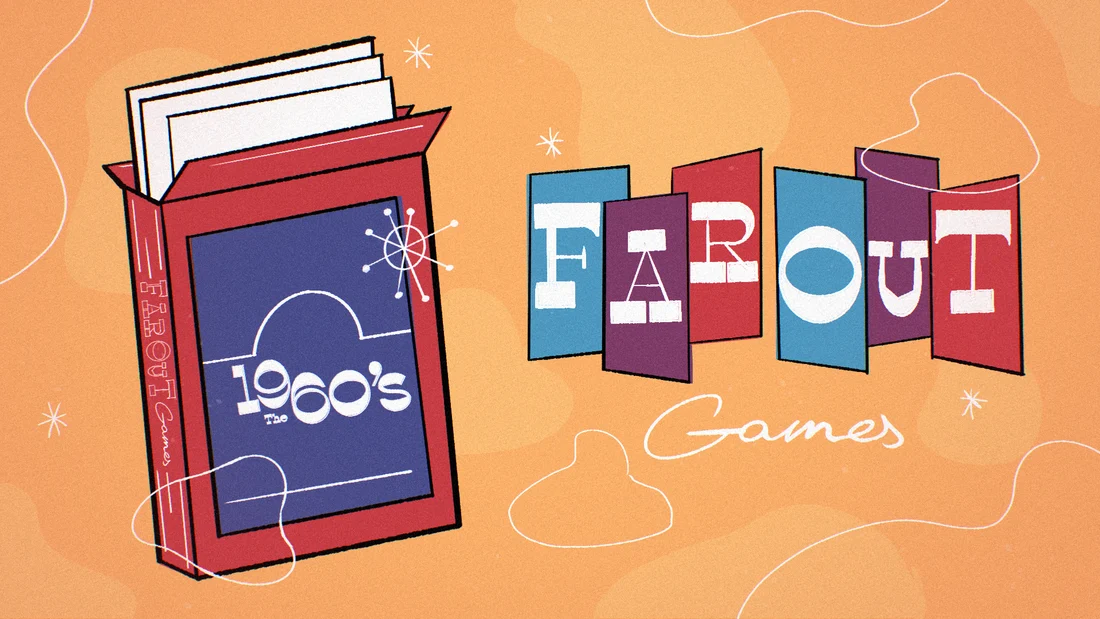

Finally giving myself time to learn After Effects. I’ve been loving the Kickstart course so far. Here’s my first homework 😁
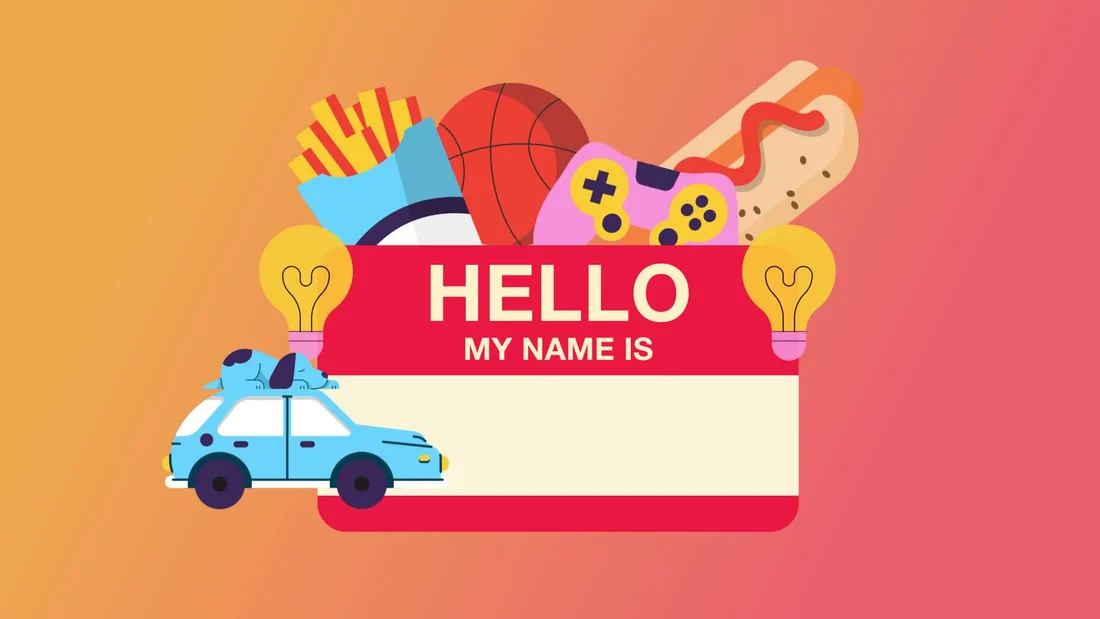

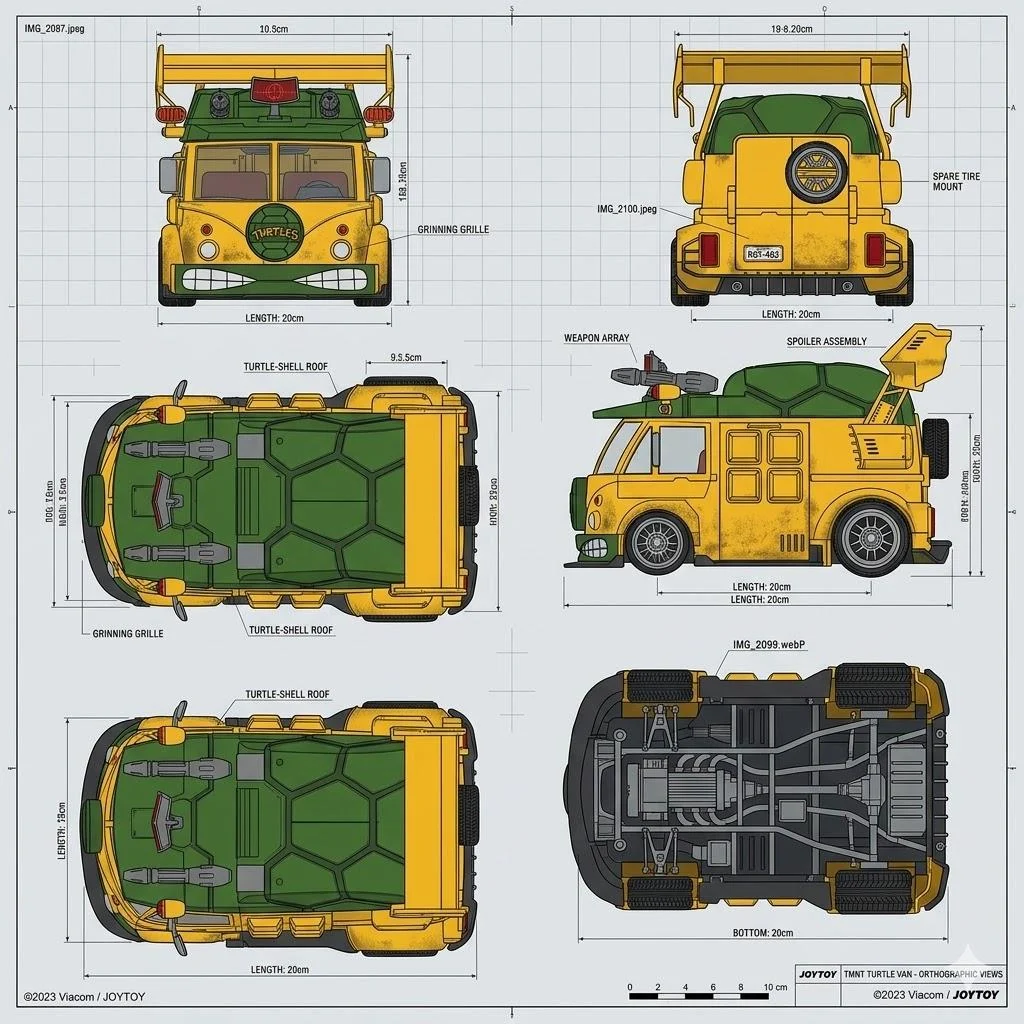
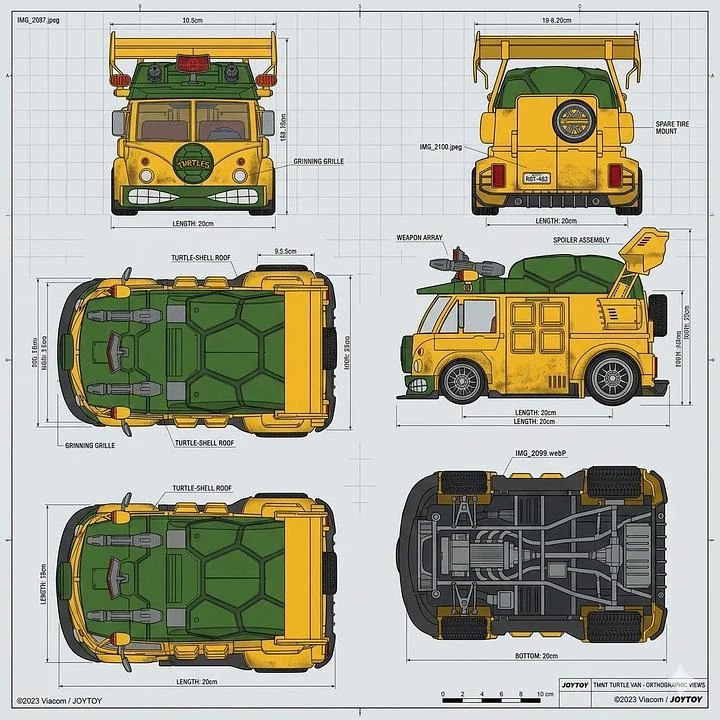
I have this goal to 3D model the turtle van from the ninja turtles. There are some good reference photos out there but nothing completely prefect for a 3D model outline. I turn to Ai to help me out....
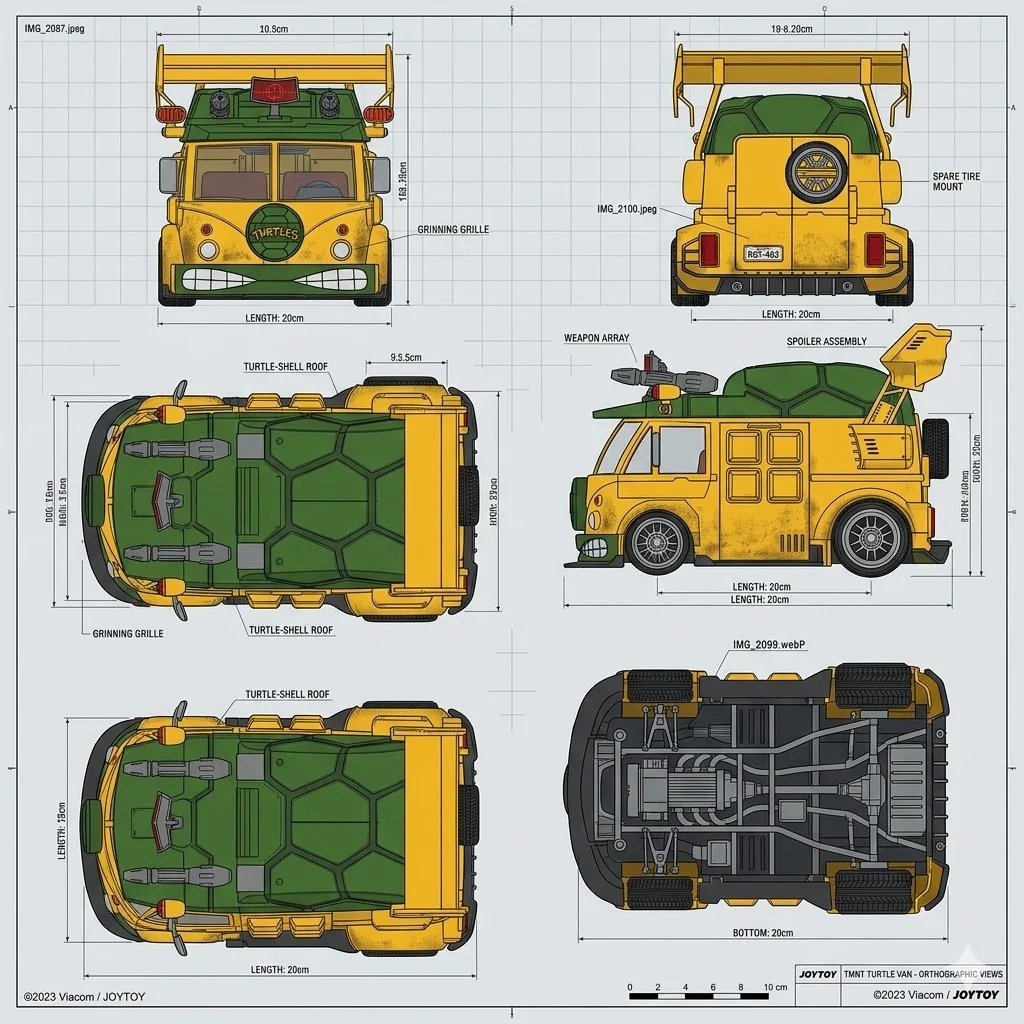

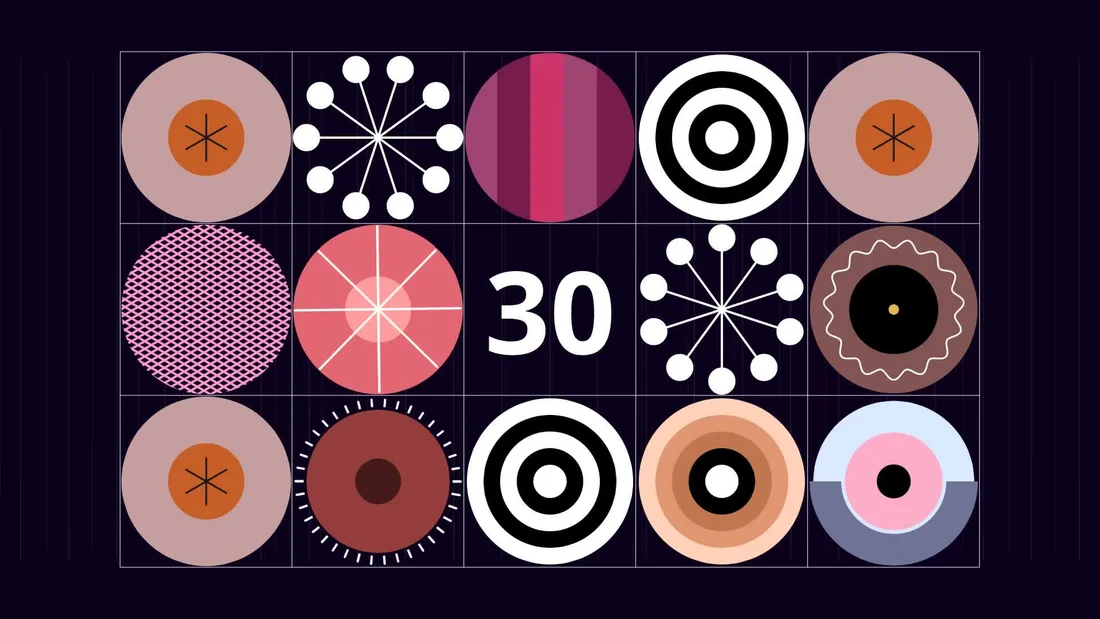
Created this countdown animation, really enjoying Cavalry so far and excited to dive into the next lessons! This is my first version of the homework.

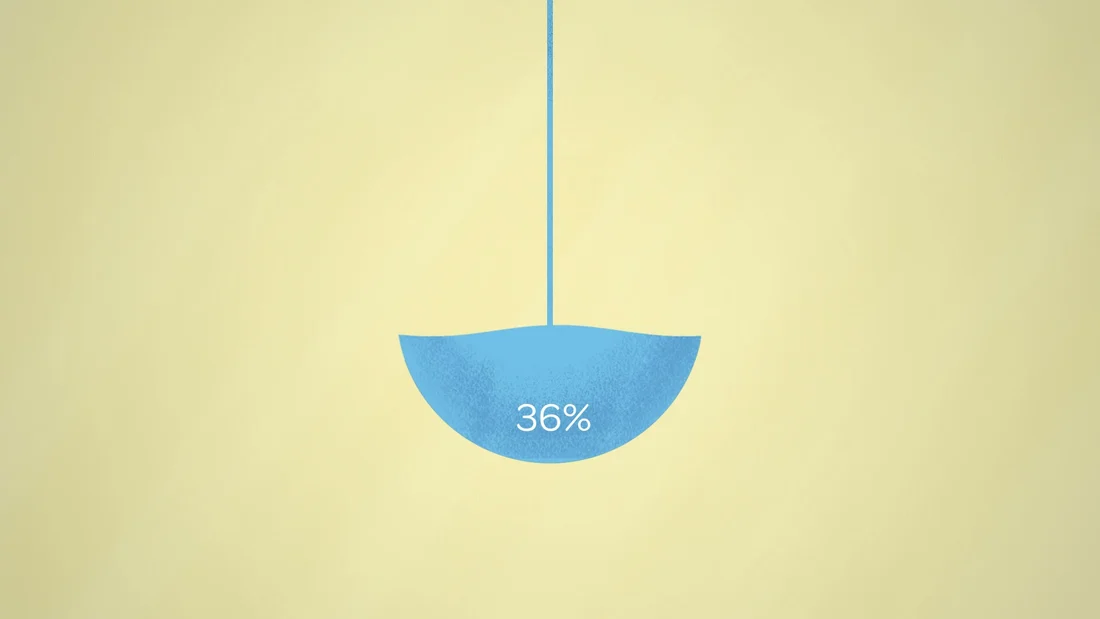
I finally finished my final project for Explainer Camp, and I couldn't be happier to cross the finish line. This course is no joke, but the growth feel completely worth it. Here is my final explainer video for Veruna....

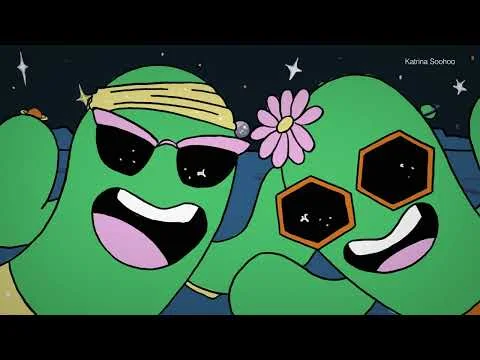
Hello! I wanted to share this Motion Collabs video that just dropped. 25 animators from around the world (I'm one of them!) came together to animate a segment set to Earth, Wind & Fire's "Shining Star....

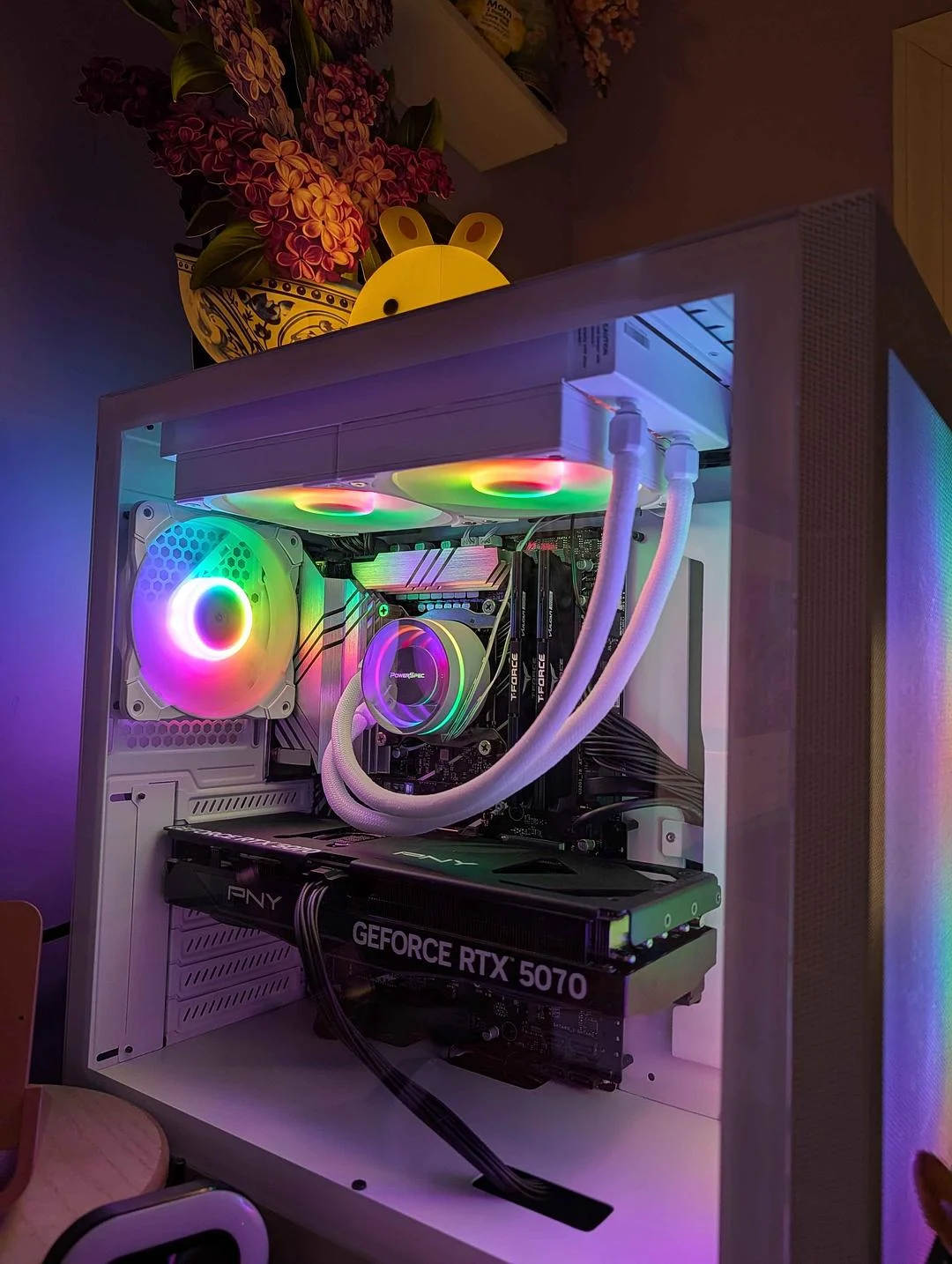
After years and years of slower computers that did their best, I am so proud to introduce her! lol. The best feeling I’ve had this entire year is getting a beast of a machine to spoil myself with render times…....
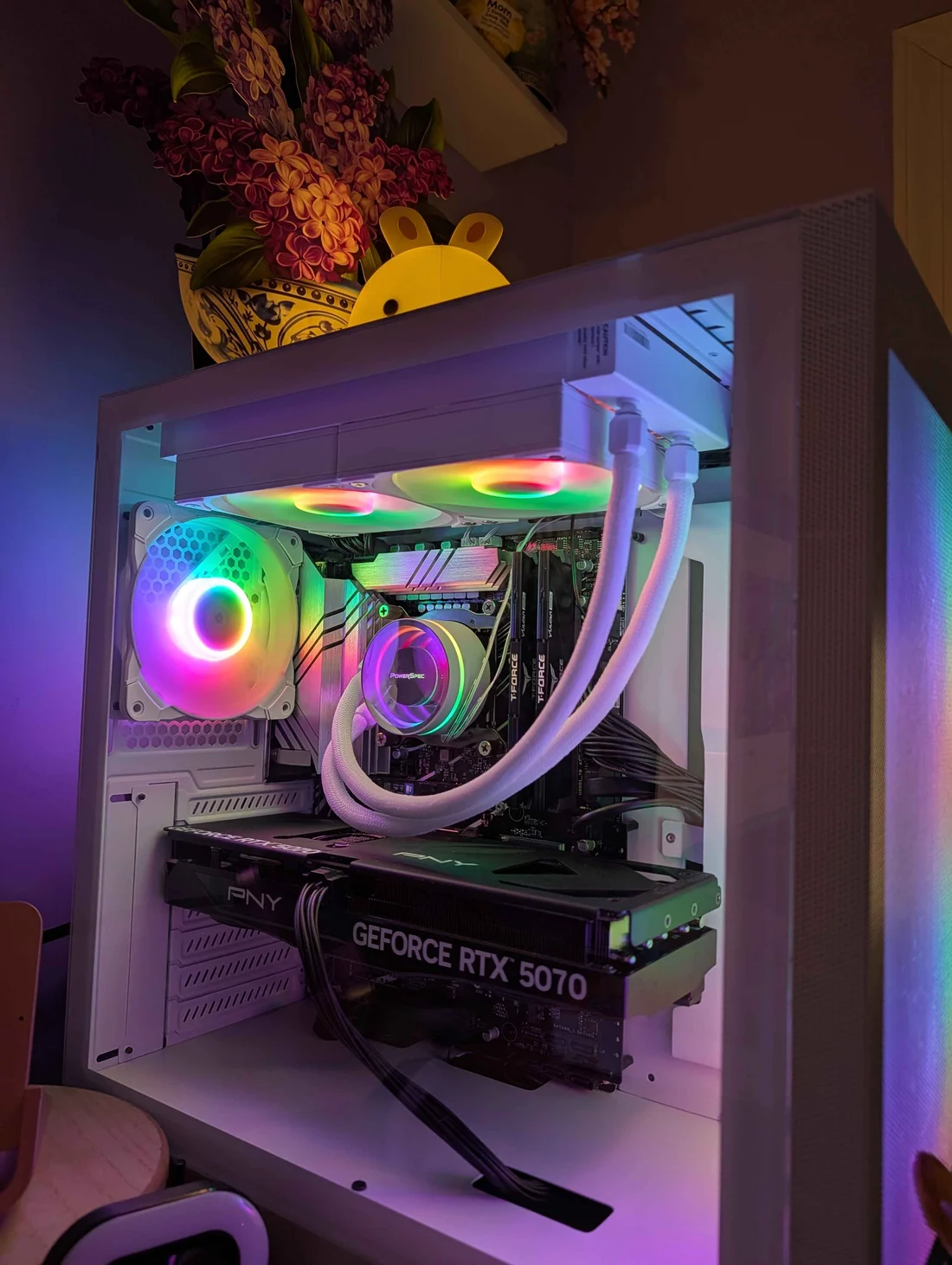
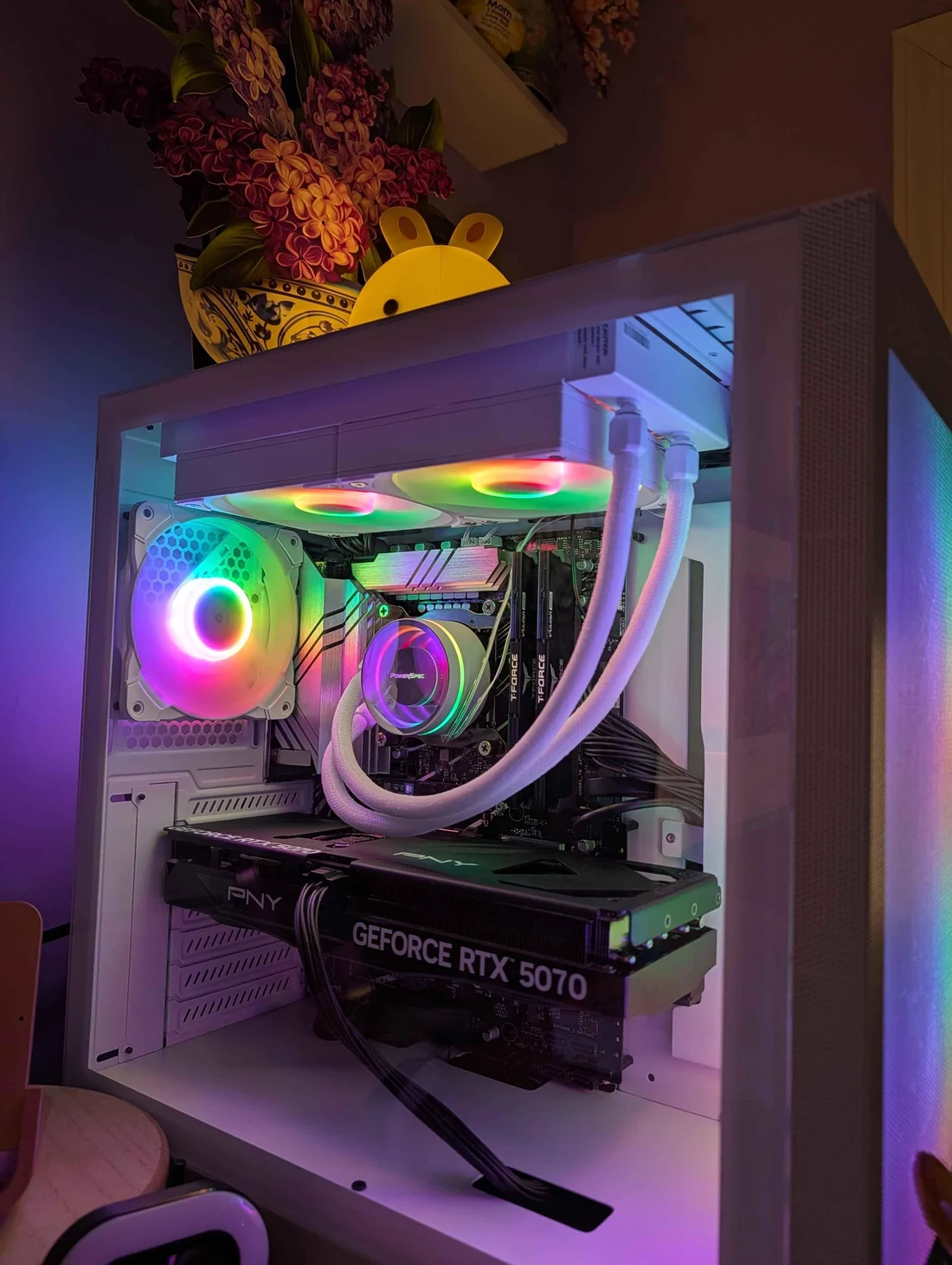

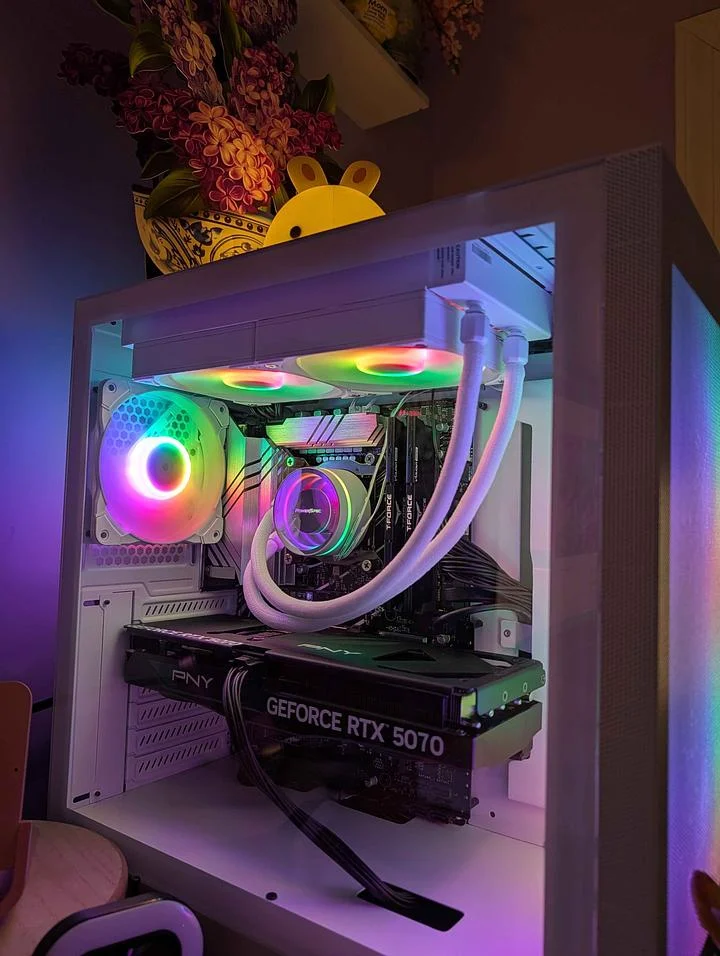

Just finished my design bootcamp, and this is the final boss... I don’t know what to think in this era of crazy AI, but this kind of hands-on, craft work is definitely way more satisfying and educational....

Just wrapped this one up. It was the most satisfying project to work on yet. The mission was clear, the styles frames were cool, and I learned a ton....

Build your network
Verified credentials

:quality(78))
:quality(82))
:quality(82))
:quality(78)) DADavid Ariew
DADavid Ariew:quality(78))
:quality(82))
:quality(82))
:quality(82))
:quality(82))
:quality(78)) JKJoey Korenman
JKJoey Korenman:quality(78))
 RSRyan Summers
RSRyan Summers:quality(78))
 KHKyle Hamrick
KHKyle Hamrick:quality(78))
:quality(82))
 JKJoey Korenman
JKJoey Korenman:quality(78))
:quality(82))
:quality(78)) IWIvan Witteborg
IWIvan Witteborg:quality(78))
:quality(82))
:quality(78)) SBSarah Beth Morgan
SBSarah Beth Morgan:quality(78))
:quality(82))
:quality(78)) GSGreg Stewart
GSGreg Stewart:quality(78))
 NDNidia Dias
NDNidia Dias:quality(78))
 LMLeo Mazzei
LMLeo Mazzei:quality(78))
 JBJake Bartlett
JBJake Bartlett:quality(78))
:quality(82))
:quality(78)) JWJonathan Winbush
JWJonathan Winbush:quality(78))
:quality(82))
:quality(78)) EHEJ Hassenfratz
EHEJ Hassenfratz:quality(78)) EHEJ Hassenfratz
EHEJ Hassenfratz:quality(78)) JWJonathan Winbush
JWJonathan Winbush:quality(78))
 JEJohan Eriksson
JEJohan Eriksson:quality(78))
 MWMorgan Williams
MWMorgan Williams:quality(78))
 SSSekani Solomon
SSSekani Solomon:quality(78)) JKJoey Korenman
JKJoey Korenman:quality(78))
:quality(82)) JKJoey Korenman
JKJoey Korenman:quality(78))
:quality(82))
:quality(78)) ESElijah Sheffield
ESElijah Sheffield:quality(78))
 JLJonathan Lindgren
JLJonathan Lindgren:quality(78))
 MCMark Christiansen
MCMark Christiansen:quality(78)) JKJoey KorenmanDADavid AriewJKJoey KorenmanRSRyan SummersKHKyle HamrickJKJoey KorenmanIWIvan WitteborgSBSarah Beth MorganGSGreg StewartNDNidia DiasLMLeo MazzeiJBJake BartlettJWJonathan WinbushEHEJ HassenfratzEHEJ HassenfratzJWJonathan WinbushJEJohan ErikssonMWMorgan WilliamsSSSekani SolomonJKJoey KorenmanJKJoey KorenmanESElijah SheffieldJLJonathan LindgrenMCMark ChristiansenJKJoey KorenmanJBJake BartlettNDNidia DiasIWIvan WitteborgGSGreg StewartJKJoey KorenmanSBSarah Beth MorganKHKyle HamrickJWJonathan WinbushRSRyan SummersMCMark ChristiansenJKJoey KorenmanESElijah SheffieldJWJonathan WinbushDADavid AriewJEJohan ErikssonEHEJ HassenfratzLMLeo MazzeiJLJonathan LindgrenSSSekani SolomonEHEJ HassenfratzJKJoey KorenmanJKJoey KorenmanJKJoey KorenmanMWMorgan WilliamsJBJake BartlettNDNidia DiasIWIvan WitteborgGSGreg StewartJKJoey KorenmanSBSarah Beth MorganKHKyle HamrickJWJonathan WinbushRSRyan SummersMCMark ChristiansenJKJoey KorenmanESElijah SheffieldJWJonathan WinbushDADavid AriewJEJohan ErikssonEHEJ HassenfratzLMLeo MazzeiJLJonathan LindgrenSSSekani SolomonEHEJ HassenfratzJKJoey KorenmanJKJoey KorenmanJKJoey KorenmanMWMorgan Williams
JKJoey KorenmanDADavid AriewJKJoey KorenmanRSRyan SummersKHKyle HamrickJKJoey KorenmanIWIvan WitteborgSBSarah Beth MorganGSGreg StewartNDNidia DiasLMLeo MazzeiJBJake BartlettJWJonathan WinbushEHEJ HassenfratzEHEJ HassenfratzJWJonathan WinbushJEJohan ErikssonMWMorgan WilliamsSSSekani SolomonJKJoey KorenmanJKJoey KorenmanESElijah SheffieldJLJonathan LindgrenMCMark ChristiansenJKJoey KorenmanJBJake BartlettNDNidia DiasIWIvan WitteborgGSGreg StewartJKJoey KorenmanSBSarah Beth MorganKHKyle HamrickJWJonathan WinbushRSRyan SummersMCMark ChristiansenJKJoey KorenmanESElijah SheffieldJWJonathan WinbushDADavid AriewJEJohan ErikssonEHEJ HassenfratzLMLeo MazzeiJLJonathan LindgrenSSSekani SolomonEHEJ HassenfratzJKJoey KorenmanJKJoey KorenmanJKJoey KorenmanMWMorgan WilliamsJBJake BartlettNDNidia DiasIWIvan WitteborgGSGreg StewartJKJoey KorenmanSBSarah Beth MorganKHKyle HamrickJWJonathan WinbushRSRyan SummersMCMark ChristiansenJKJoey KorenmanESElijah SheffieldJWJonathan WinbushDADavid AriewJEJohan ErikssonEHEJ HassenfratzLMLeo MazzeiJLJonathan LindgrenSSSekani SolomonEHEJ HassenfratzJKJoey KorenmanJKJoey KorenmanJKJoey KorenmanMWMorgan WilliamsEvery course included
Start All-Access
Quarterly
Annual
Teams
Both plans get the same All-Access membership. There's more inside than anyone could get through in a year... Annual is just the better price for how people actually use it.
The learning path continues
:quality(78))
:quality(82))
Master the After Effects interface and upgrade your animation skillset with the #1 animation app on the planet.
:quality(78))
:quality(82))
:quality(82))
Learn the basics of interactive animation with Rive.
:quality(78))
Create complex, real-time responsive interactions for websites using Rive's powerful tools.
:quality(78))
Make Rive respond to the real world. Build a six-page interactive Year in Motion experience that turns runtime data into responsive layouts, changing content, animation, and behavior.
:quality(82))
:quality(82))
:quality(82))
:quality(82))
:quality(82))
:quality(82))
:quality(82))
:quality(82))
:quality(82))
:quality(82))
:quality(82))
:quality(82))
:quality(82))
:quality(82))
:quality(82))
:quality(82))
:quality(82))
:quality(82))
:quality(82))
:quality(82))
:quality(82))
:quality(82))
:quality(82))
:quality(82))
:quality(82))
:quality(82))
:quality(82))
:quality(82))
:quality(82))
:quality(82))
:quality(82))
:quality(82))
:quality(82))
:quality(82))
:quality(82))
:quality(82))
:quality(82))
:quality(82))
:quality(82))
:quality(82))
:quality(82))
:quality(82))
:quality(82))
:quality(82))