:quality(78))
:quality(82))
:quality(82))
:quality(82))
:quality(82))
Intermediate · 4.18 hrs
Learning Path
Design product motion that clarifies behavior, improves the feel of an interface, and carries from concept to interactive prototype. Start with UX motion strategy, build precision in After Effects, then create stateful, responsive interactions in Rive.
:quality(78))
:quality(78))
:quality(78))
:quality(78))
The Journey
5 courses, arranged so each one makes the next easier to absorb.
Intermediate · 4.18 hrs
Learn to give product motion a job. Work with motion strategy, state changes, specs, and handoff so your interactions support usability before you polish a single frame.
Beginner · 16.28 hrs
Build the compositing, timing, and prototyping fluency to communicate interface motion precisely. Use After Effects here as a practical motion-spec tool, not as a detour into full software specialization.
Intermediate · 6.55 hrs
Move from linear animation to stateful interaction. Learn the Rive workflow and turn a static motion concept into behavior a user can trigger.
Intermediate · 11.93 hrs
Build more responsive, web-ready interactions. Extend your Rive foundation with responsive-design and animation-technology thinking so your work adapts and feels ready to ship.
Advanced · 11.5 hrs
Build on your Rive interaction skills by learning how Data Binding connects data to design and animation. Create a responsive, six-page ‘Year in Motion’ experience as you work with view models, properties, bindings, instances, converters, and actions.
All-Access advantage
Unlimited feedback
Live workshops & portfolio reviews
 Bjorn Scholma
 Jason Knoetze
 Nikunj Shukla
 Sebastian Aparicio Mac Lean
 Anne Kahn
 Genesis Lobos
 Kat Tarsouli
 Brit Kohls
Pretty happy with this assigment c:







Finally giving myself time to learn After Effects. I’ve been loving the Kickstart course so far. Here’s my first homework 😁

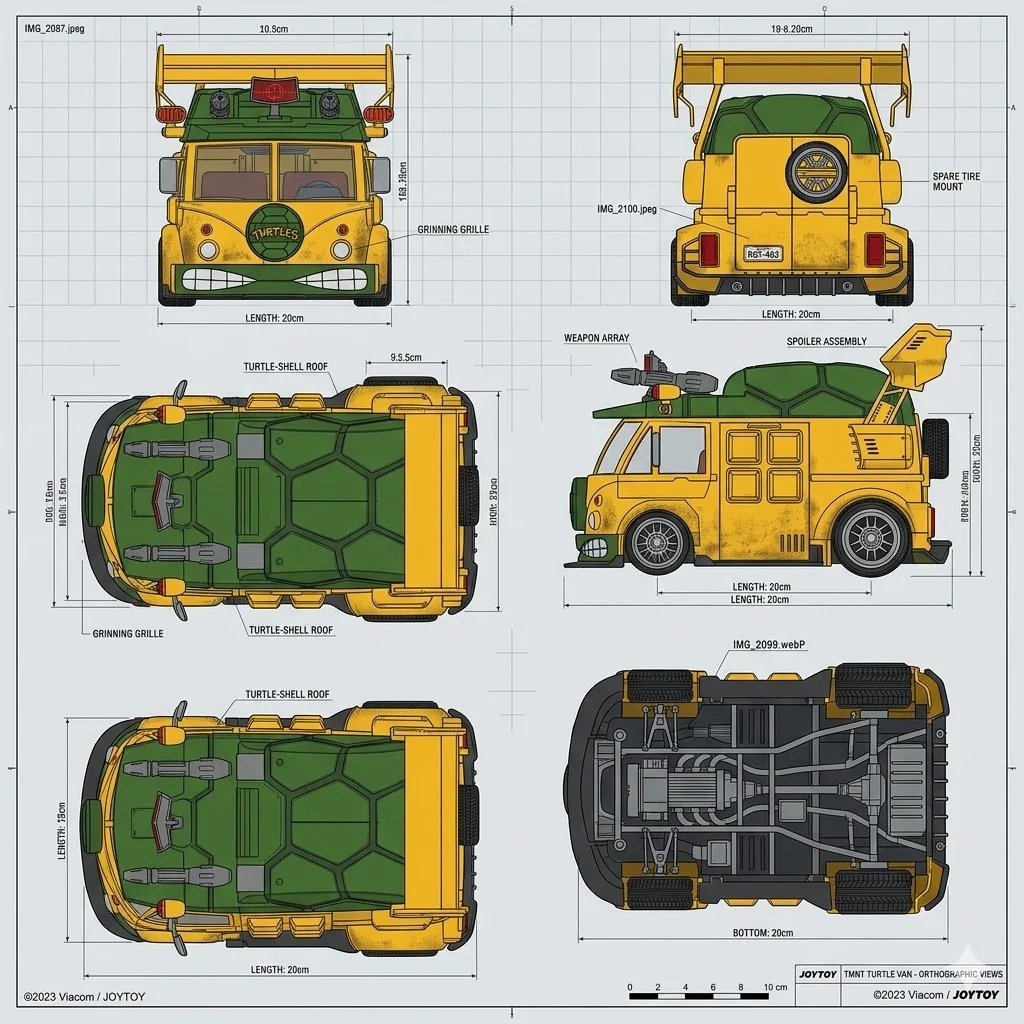
I have this goal to 3D model the turtle van from the ninja turtles. There are some good reference photos out there but nothing completely prefect for a 3D model outline. I turn to Ai to help me out....
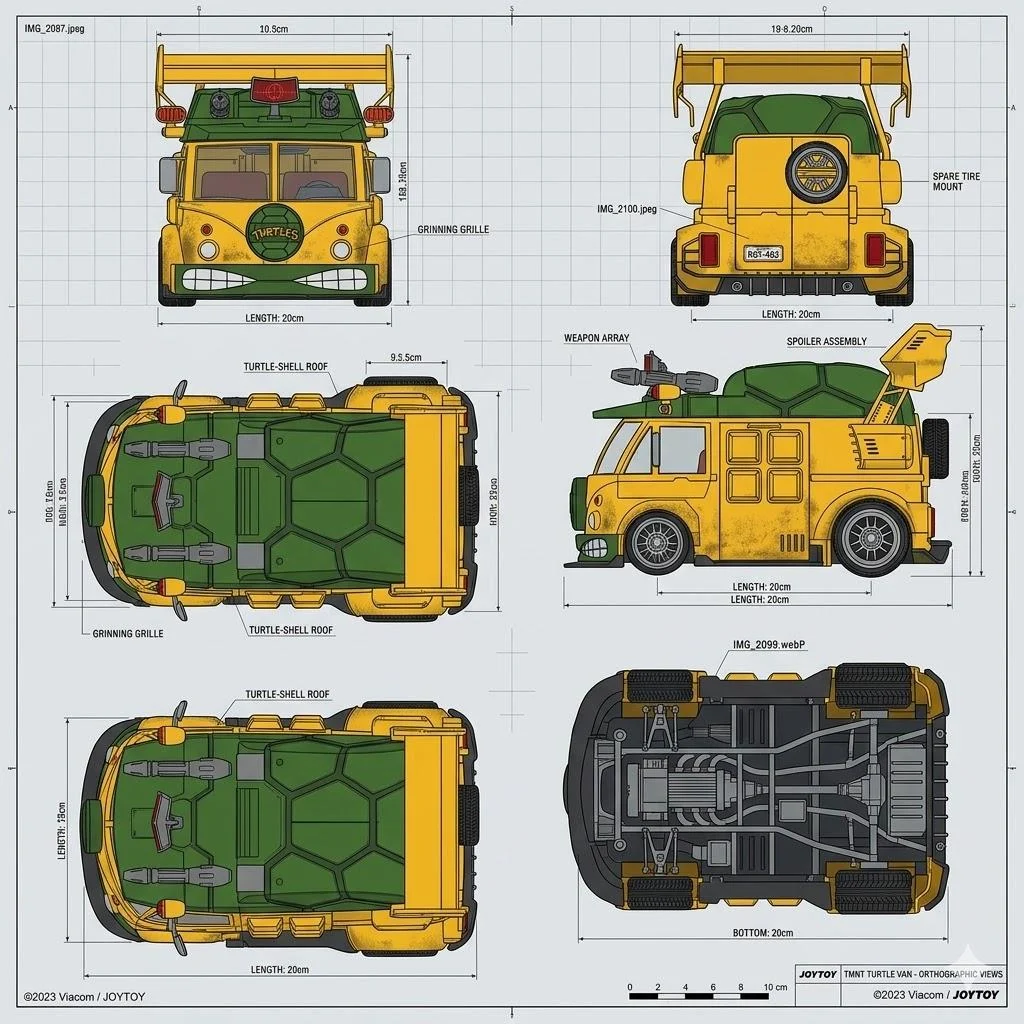
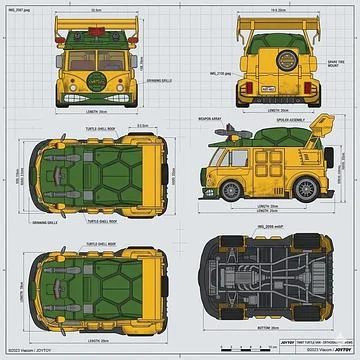
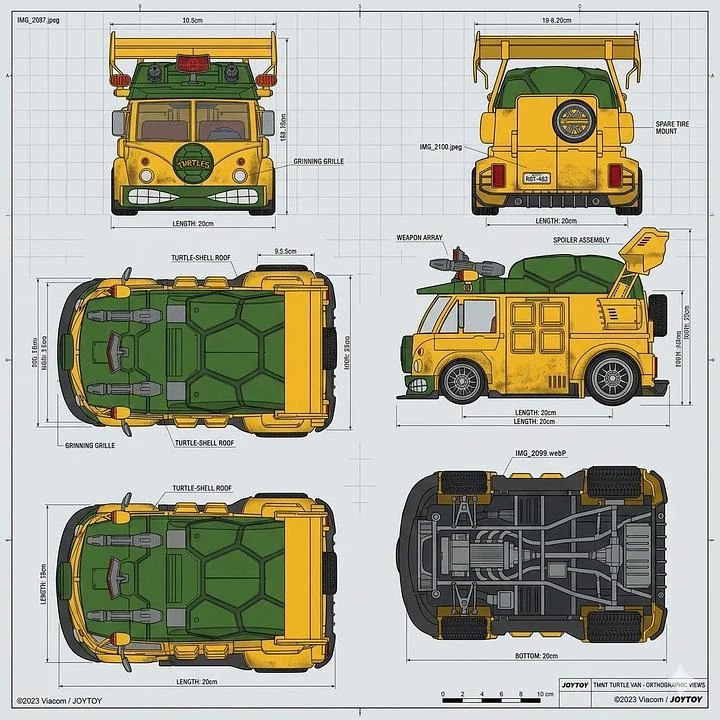
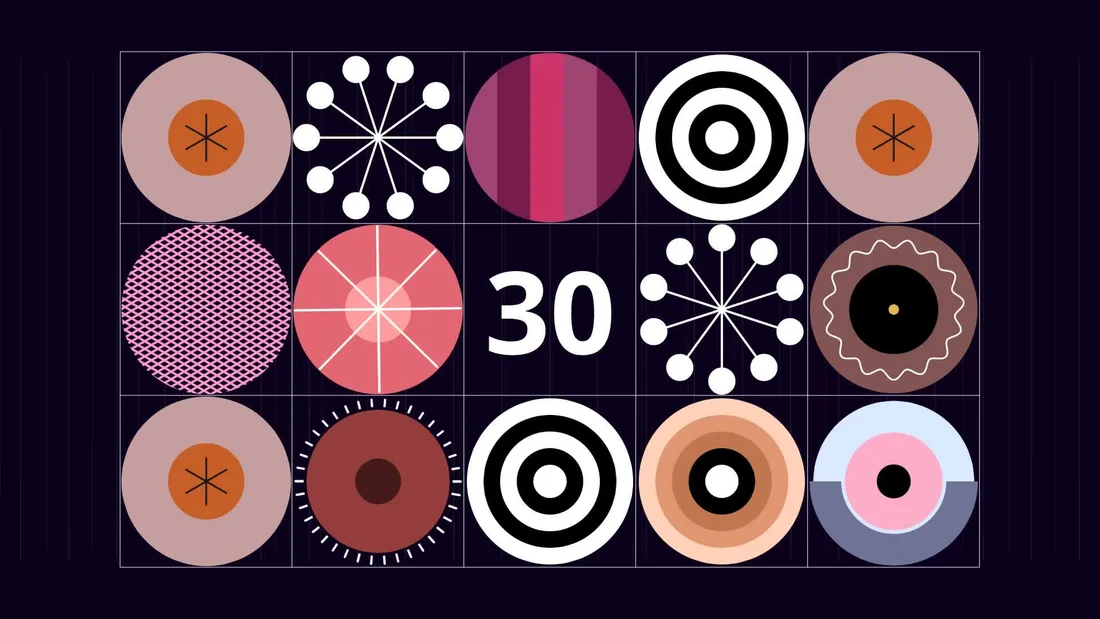
Created this countdown animation, really enjoying Cavalry so far and excited to dive into the next lessons! This is my first version of the homework.

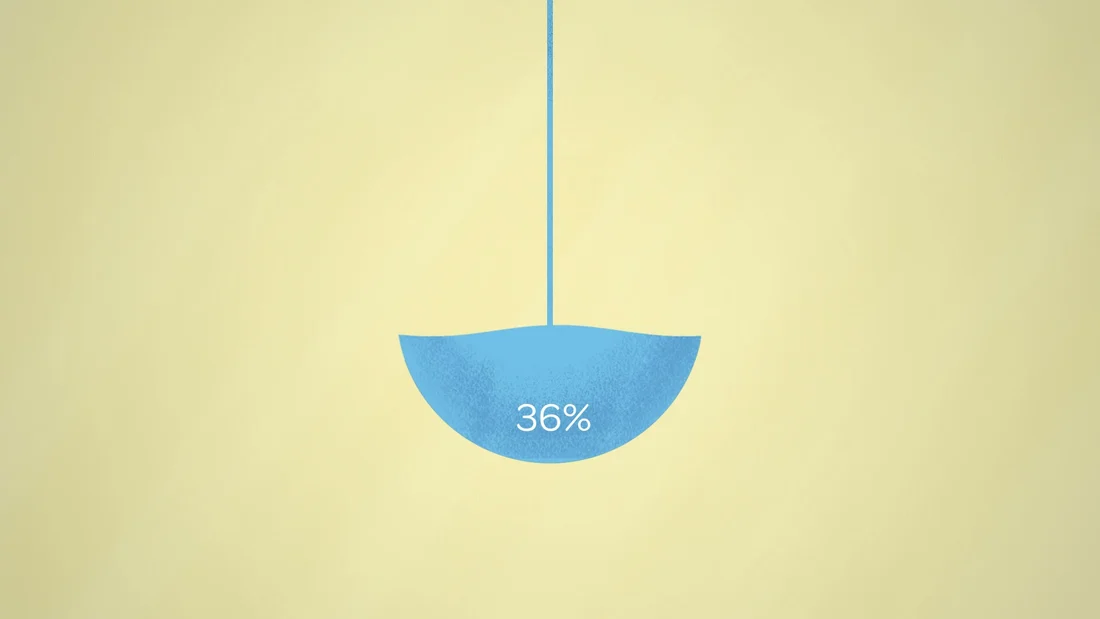
I finally finished my final project for Explainer Camp, and I couldn't be happier to cross the finish line. This course is no joke, but the growth feel completely worth it. Here is my final explainer video for Veruna....

Hello! I wanted to share this Motion Collabs video that just dropped. 25 animators from around the world (I'm one of them!) came together to animate a segment set to Earth, Wind & Fire's "Shining Star....


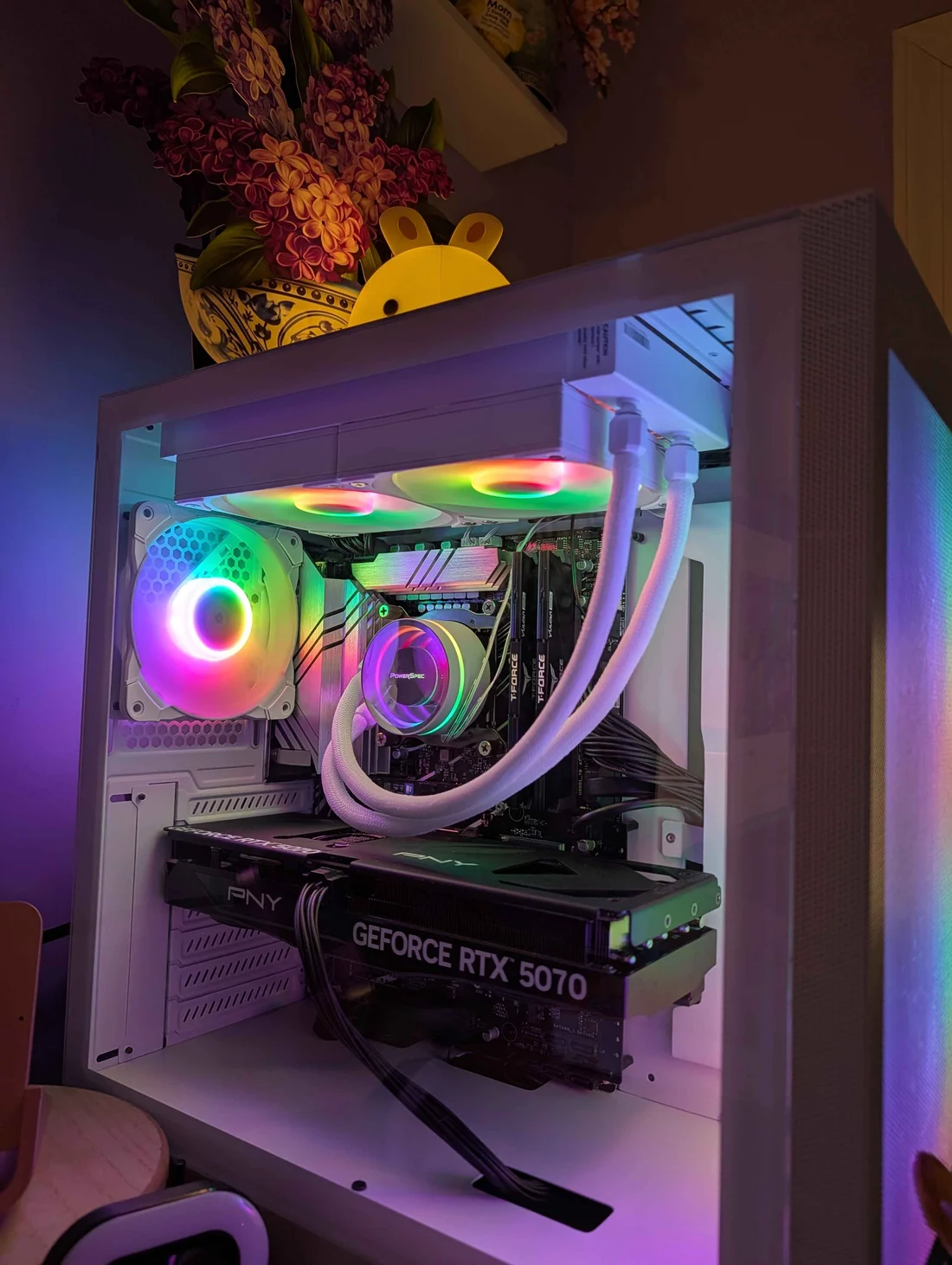
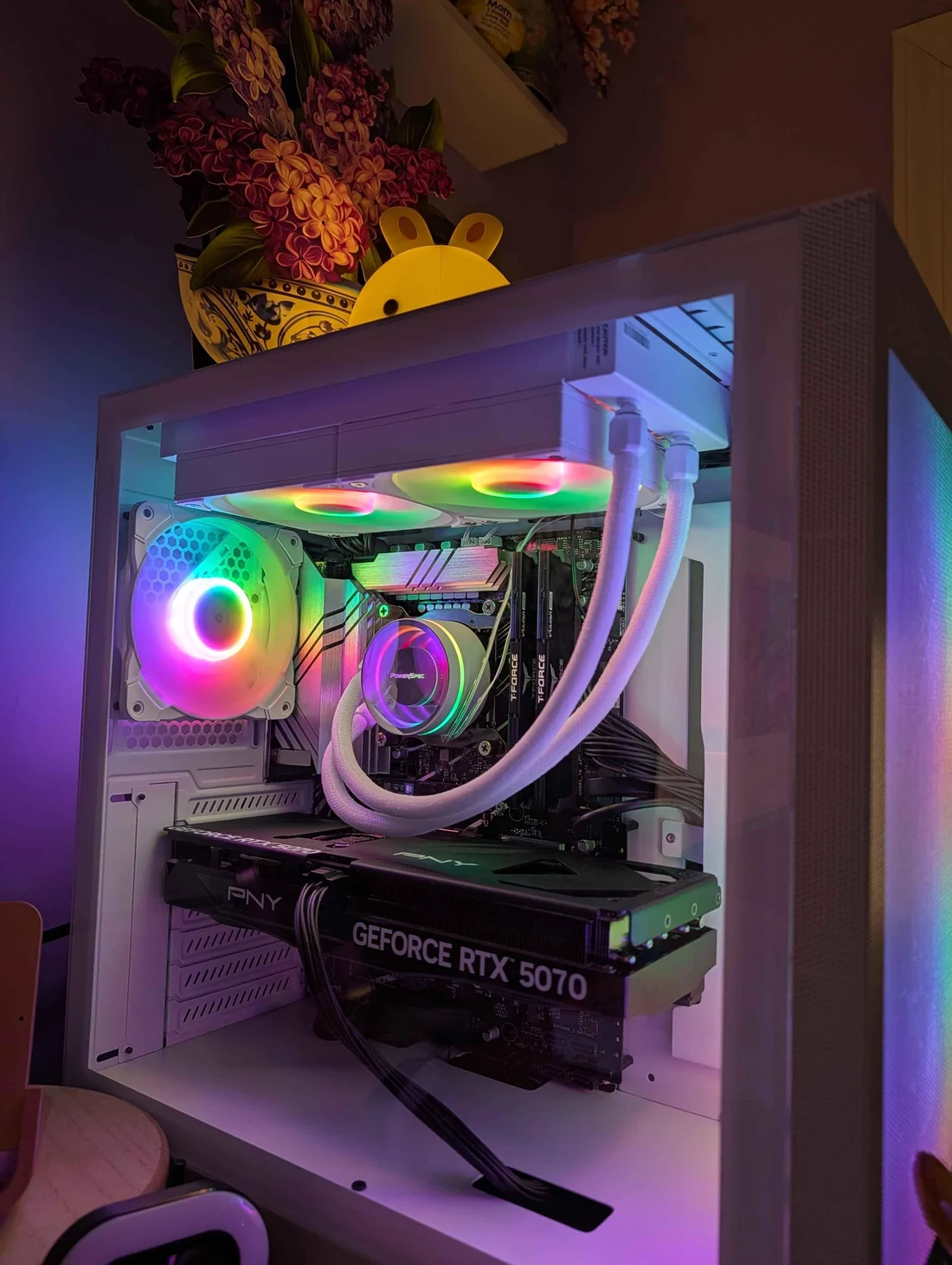
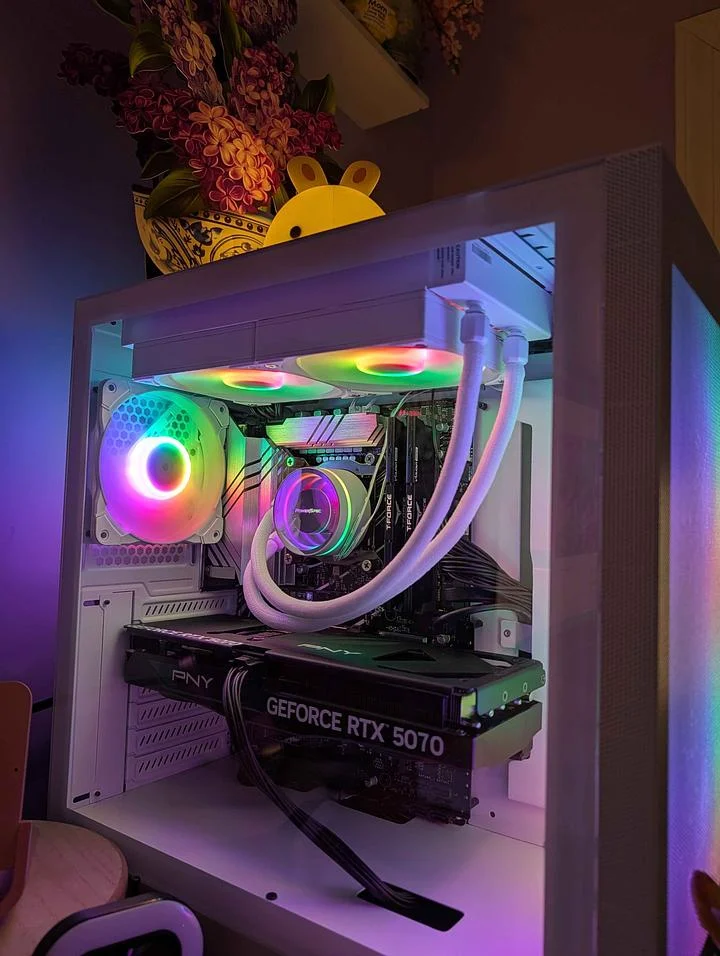
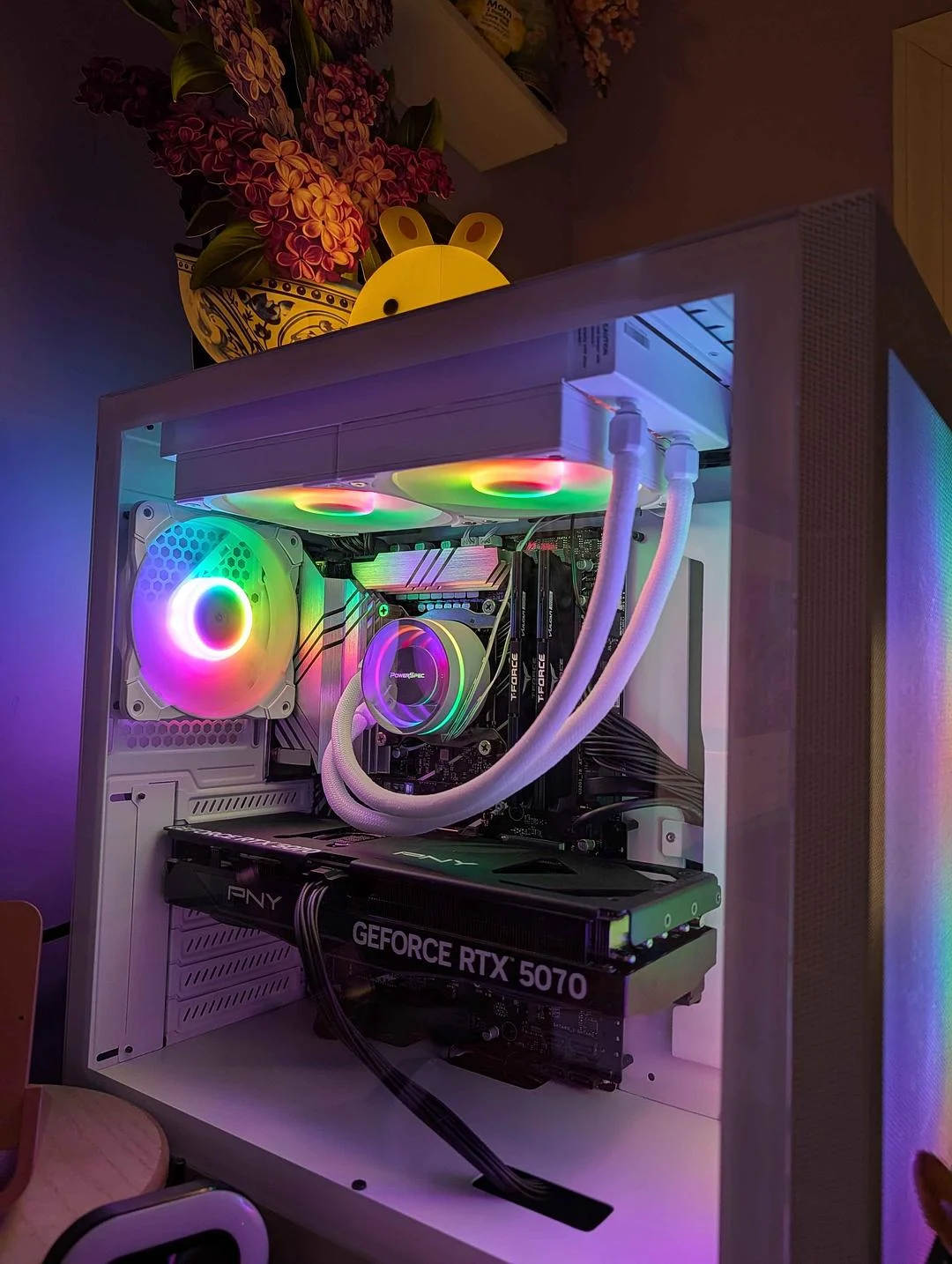
After years and years of slower computers that did their best, I am so proud to introduce her! lol. The best feeling I’ve had this entire year is getting a beast of a machine to spoil myself with render times…....


Just finished my design bootcamp, and this is the final boss... I don’t know what to think in this era of crazy AI, but this kind of hands-on, craft work is definitely way more satisfying and educational....


Just wrapped this one up. It was the most satisfying project to work on yet. The mission was clear, the styles frames were cool, and I learned a ton....

Build your network
Verified credentials

:quality(78))
:quality(82))
:quality(82))
:quality(78)) DADavid Ariew
DADavid Ariew:quality(78))
:quality(82))
:quality(82))
:quality(82))
:quality(82))
:quality(78)) JKJoey Korenman
JKJoey Korenman:quality(78))
 RSRyan Summers
RSRyan Summers:quality(78))
 KHKyle Hamrick
KHKyle Hamrick:quality(82))
 JKJoey Korenman
JKJoey Korenman:quality(78))
:quality(82))
:quality(82))
:quality(82))
:quality(78)) BDBarton Damer / Already Been Chewed
BDBarton Damer / Already Been Chewed:quality(82))
:quality(78)) IWIvan Witteborg
IWIvan Witteborg:quality(78))
:quality(82))
:quality(78)) SBSarah Beth Morgan
SBSarah Beth Morgan:quality(78))
:quality(82))
:quality(78)) GSGreg Stewart
GSGreg Stewart:quality(78)) LMLeo Mazzei
LMLeo Mazzei:quality(78))
 JBJake Bartlett
JBJake Bartlett:quality(78))
:quality(82))
:quality(78)) JWJonathan Winbush
JWJonathan Winbush:quality(78))
:quality(82))
:quality(78)) EHEJ Hassenfratz
EHEJ Hassenfratz:quality(78)) EHEJ Hassenfratz
EHEJ Hassenfratz:quality(78)) JWJonathan Winbush
JWJonathan Winbush:quality(78))
 JEJohan Eriksson
JEJohan Eriksson:quality(78))
 MWMorgan Williams
MWMorgan Williams:quality(78))
 SSSekani SolomonJKJoey Korenman
SSSekani SolomonJKJoey Korenman:quality(78)) JKJoey Korenman
JKJoey Korenman:quality(78))
:quality(82))
:quality(78)) ESElijah Sheffield
ESElijah Sheffield:quality(78))
 JLJonathan Lindgren
JLJonathan Lindgren:quality(78))
 MCMark Christiansen
MCMark Christiansen:quality(78)) JKJoey KorenmanDADavid AriewJKJoey KorenmanRSRyan SummersKHKyle HamrickJKJoey KorenmanBDBarton Damer / Already Been ChewedIWIvan WitteborgSBSarah Beth MorganGSGreg StewartLMLeo MazzeiJBJake BartlettJWJonathan WinbushEHEJ HassenfratzEHEJ HassenfratzJWJonathan WinbushJEJohan ErikssonMWMorgan WilliamsSSSekani SolomonJKJoey KorenmanJKJoey KorenmanESElijah SheffieldJLJonathan LindgrenMCMark ChristiansenJKJoey KorenmanJBJake BartlettIWIvan WitteborgBDBarton Damer / Already Been ChewedGSGreg StewartJKJoey KorenmanSBSarah Beth MorganKHKyle HamrickJWJonathan WinbushRSRyan SummersMCMark ChristiansenJKJoey KorenmanESElijah SheffieldJWJonathan WinbushDADavid AriewJEJohan ErikssonEHEJ HassenfratzLMLeo MazzeiJLJonathan LindgrenSSSekani SolomonEHEJ HassenfratzJKJoey KorenmanJKJoey KorenmanJKJoey KorenmanMWMorgan WilliamsJBJake BartlettIWIvan WitteborgBDBarton Damer / Already Been ChewedGSGreg StewartJKJoey KorenmanSBSarah Beth MorganKHKyle HamrickJWJonathan WinbushRSRyan SummersMCMark ChristiansenJKJoey KorenmanESElijah SheffieldJWJonathan WinbushDADavid AriewJEJohan ErikssonEHEJ HassenfratzLMLeo MazzeiJLJonathan LindgrenSSSekani SolomonEHEJ HassenfratzJKJoey KorenmanJKJoey KorenmanJKJoey KorenmanMWMorgan Williams
JKJoey KorenmanDADavid AriewJKJoey KorenmanRSRyan SummersKHKyle HamrickJKJoey KorenmanBDBarton Damer / Already Been ChewedIWIvan WitteborgSBSarah Beth MorganGSGreg StewartLMLeo MazzeiJBJake BartlettJWJonathan WinbushEHEJ HassenfratzEHEJ HassenfratzJWJonathan WinbushJEJohan ErikssonMWMorgan WilliamsSSSekani SolomonJKJoey KorenmanJKJoey KorenmanESElijah SheffieldJLJonathan LindgrenMCMark ChristiansenJKJoey KorenmanJBJake BartlettIWIvan WitteborgBDBarton Damer / Already Been ChewedGSGreg StewartJKJoey KorenmanSBSarah Beth MorganKHKyle HamrickJWJonathan WinbushRSRyan SummersMCMark ChristiansenJKJoey KorenmanESElijah SheffieldJWJonathan WinbushDADavid AriewJEJohan ErikssonEHEJ HassenfratzLMLeo MazzeiJLJonathan LindgrenSSSekani SolomonEHEJ HassenfratzJKJoey KorenmanJKJoey KorenmanJKJoey KorenmanMWMorgan WilliamsJBJake BartlettIWIvan WitteborgBDBarton Damer / Already Been ChewedGSGreg StewartJKJoey KorenmanSBSarah Beth MorganKHKyle HamrickJWJonathan WinbushRSRyan SummersMCMark ChristiansenJKJoey KorenmanESElijah SheffieldJWJonathan WinbushDADavid AriewJEJohan ErikssonEHEJ HassenfratzLMLeo MazzeiJLJonathan LindgrenSSSekani SolomonEHEJ HassenfratzJKJoey KorenmanJKJoey KorenmanJKJoey KorenmanMWMorgan WilliamsEvery course included
Start All-Access
Quarterly
Annual
Teams
Both plans get the same All-Access membership. There's more inside than anyone could get through in a year... Annual is just the better price for how people actually use it.
FAQ
No. All-Access unlocks everything, so you can jump to the course that fits your current level. The order shown here is the smoothest route because each step sets up the next.
You can keep moving. Anything you've already completed still counts as part of the path, and All-Access gives you the rest of the sequence plus the full course library.
This path is best if you already have the basics down. If you are brand new, start with one of the beginner paths and come back when the foundations feel comfortable.
50+ hours is the training estimate, but project work and critique are where the real growth happens. Most students work through a path over several months alongside client work, school, or a job.